

Understanding ESP and Device Preparation Policies and Their Key Differences
- Tek Doyen

- Jan 7
- 1 min read
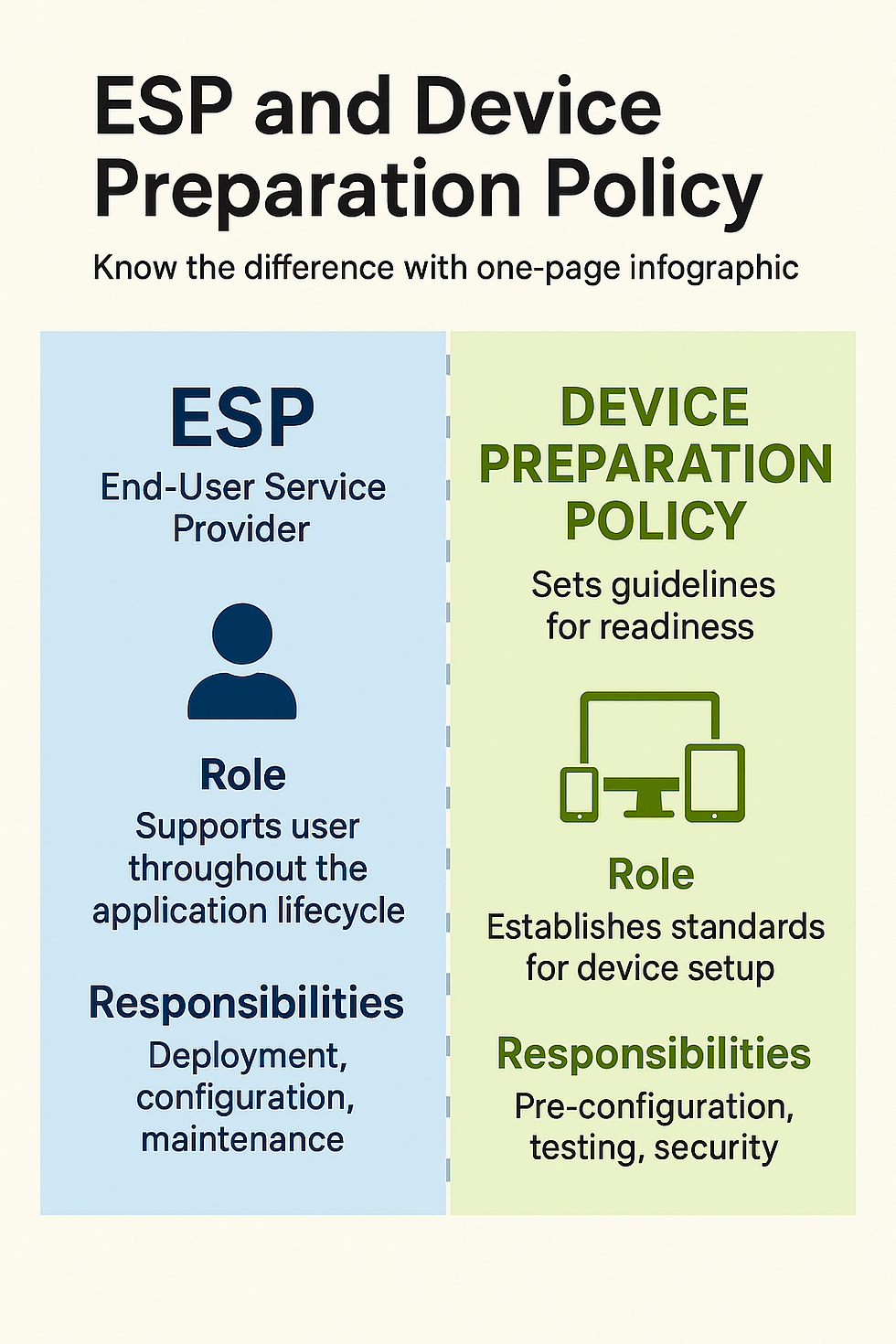
The Enrollment Status Page (ESP) ensures users see progress during enrollment and blocks access until required apps/policies are installed, while the Device Preparation Policy silently configures devices before sign-in, ensuring readiness without user interaction. Your infographic is ready above for quick visual reference.
📊 ESP vs Device Preparation Policy – Key Differences
Feature | Enrollment Status Page (ESP) | Device Preparation Policy |
Purpose | User-facing progress screen during enrollment | Admin-driven silent setup before user sign-in |
Visibility | Visible to end-user, shows apps/policies installing | Invisible to user, runs in background |
Blocking Access | Blocks device use until critical apps/policies finish | No blocking, ensures readiness silently |
Configuration Scope | Policies, apps, certificates applied during enrollment | Critical apps and policies pre-installed before login |
Best Use Case | Ensuring compliance and visibility for users | Fast, consistent provisioning across devices |
Supported Join Types | Microsoft Entra join + Hybrid | Microsoft Entra join only |
Admin Effort | Requires ESP policy setup | Requires Device Preparation policy setup |
🧩 How They Work Together
ESP: Ideal when you want users to see progress and prevent them from accessing the device until compliance is guaranteed.
Device Preparation Policy: Best for streamlined deployments where devices must be ready before the user even touches them.
⚡ Practical Example
A new hire in Pune receives a laptop:
With ESP, they’ll watch a progress bar as Intune installs Outlook, Teams, Defender, and compliance policies.
With Device Preparation Policy, IT ensures all those apps/policies are already in place before the employee logs in, so the device feels instantly ready.


Comments